
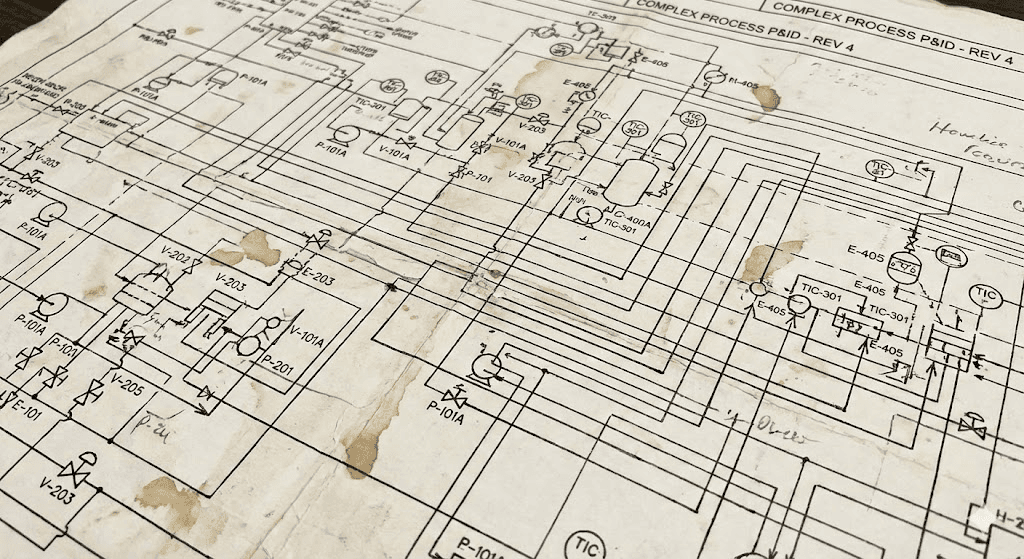
Why does OCR fail on P&ID Extraction?
Summary
Traditional Optical Character Recognition (OCR) tools like Tesseract, Azure AI Vision, and Amazon Textract struggle with Piping and Instrumentation Diagram (P&ID) data extraction due to four critical challenges: multiple text orientation, spatial complexity with overlapping elements, dense line networks with crossing pipes and symbols, and mixed formatting in engineering tags.
While OCR excels at standard document text, P&IDs require a multi-layered approach combining image pre-processing, object detection, targeted OCR, and Vision Language Models (VLMs). Modern integrated AI approaches are achieving 95% extraction accuracy and reducing manual verification from hours to under 5 minutes with scalable deployment across oil & gas, refineries, and industrial facilities.
What is P&ID and Why Extract Data from it?
Piping and Instrumentation Diagram (P&ID) is a schematic blueprint of the piping, equipment, sensors, and control logic in facilities like oil & gas fields or refineries. They are the map for the process system.
Engineers extract equipment tags, design parameters and topology (what connects to what) and store them into a structured format, to register the assets for many downstream purposes, such as digital twin, process simulations, asset management and equipment monitoring.
Beyond P&IDs, here are other technical drawings that engineers rely on to understand the system:
- Single Line Diagram (SLD) is an electrical drawing that shows how electrical power flows through a facility.
- Equipment Layout is a drawing that shows spatial arrangement of the equipment.
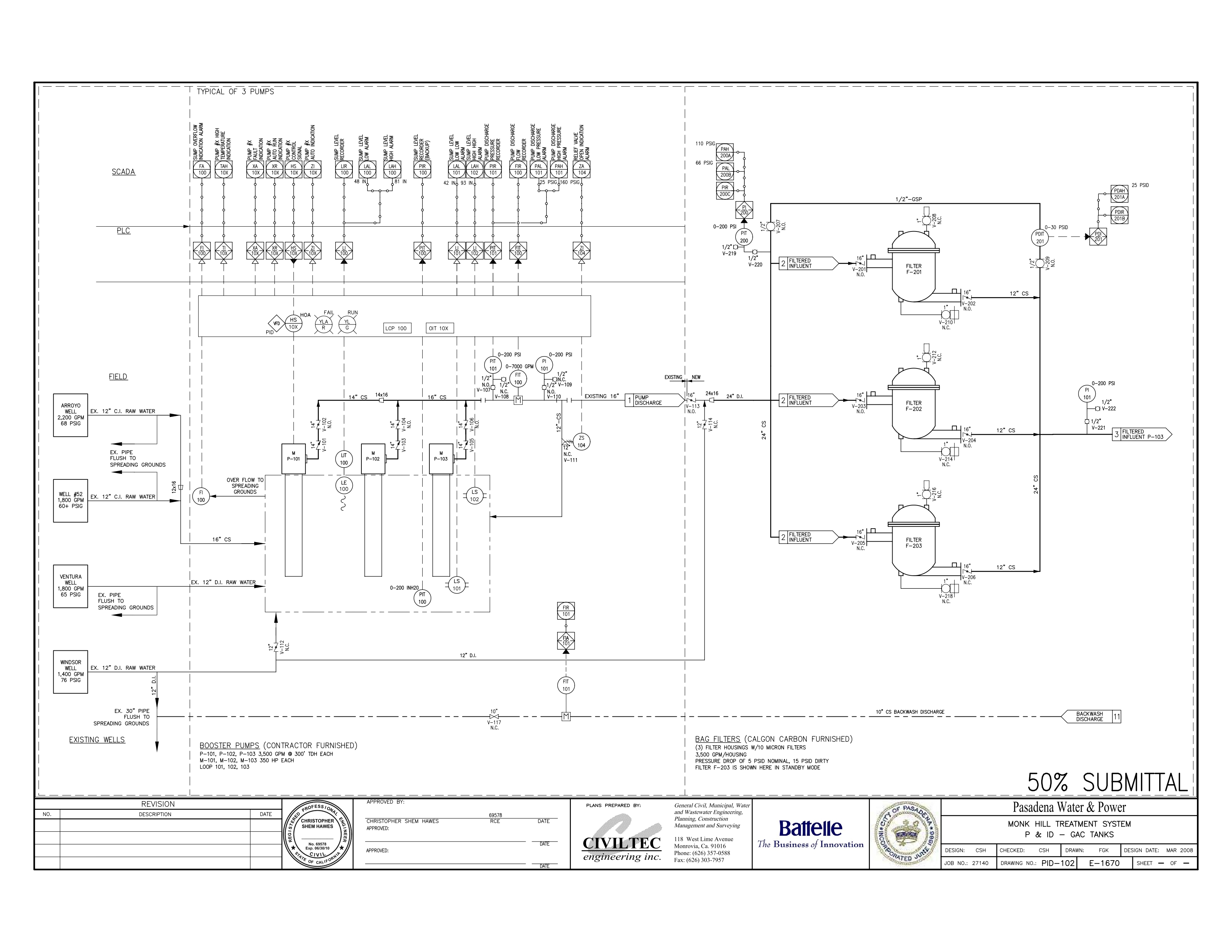
Piping & Instrumentation Diagram
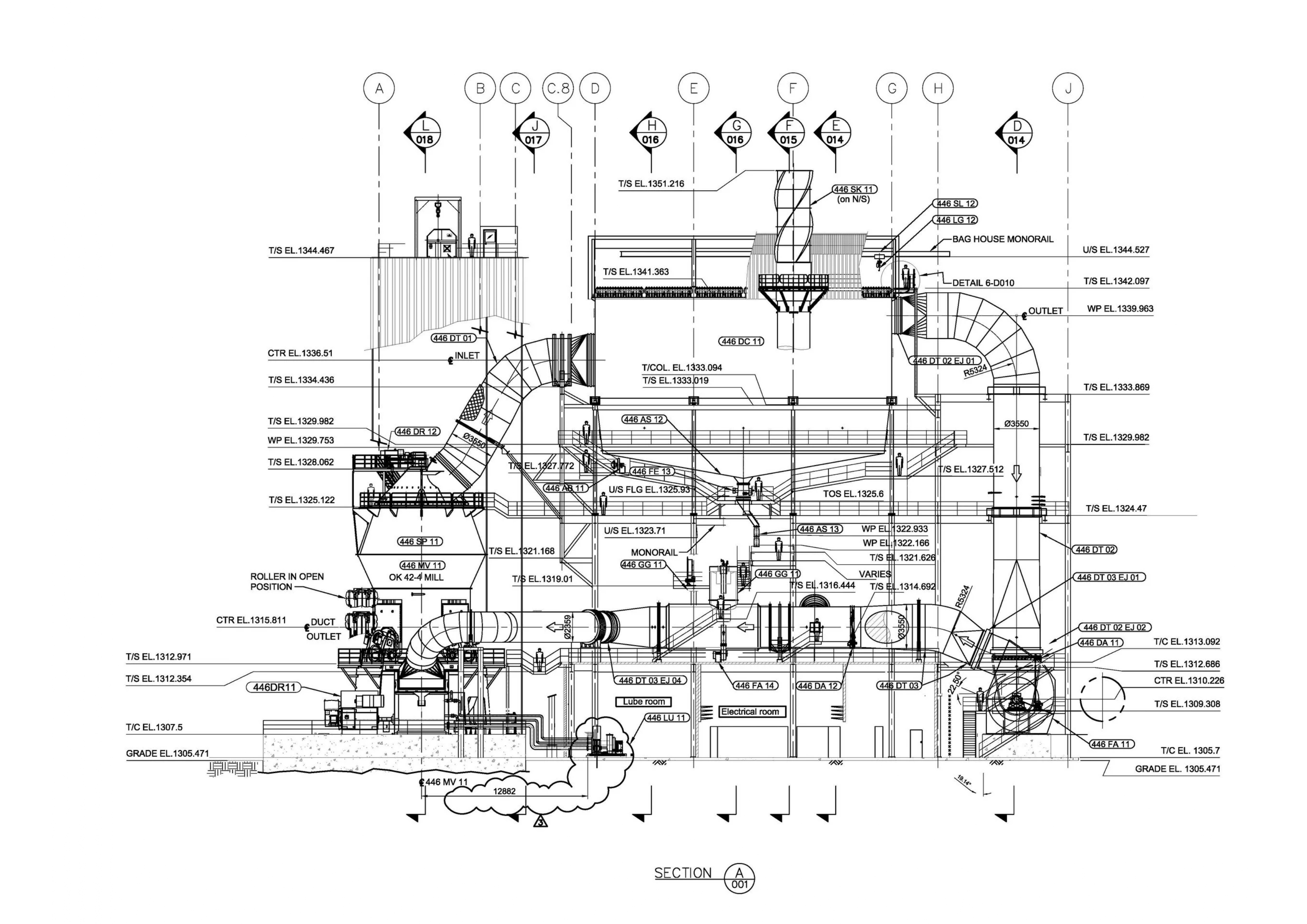
Equipment Layout
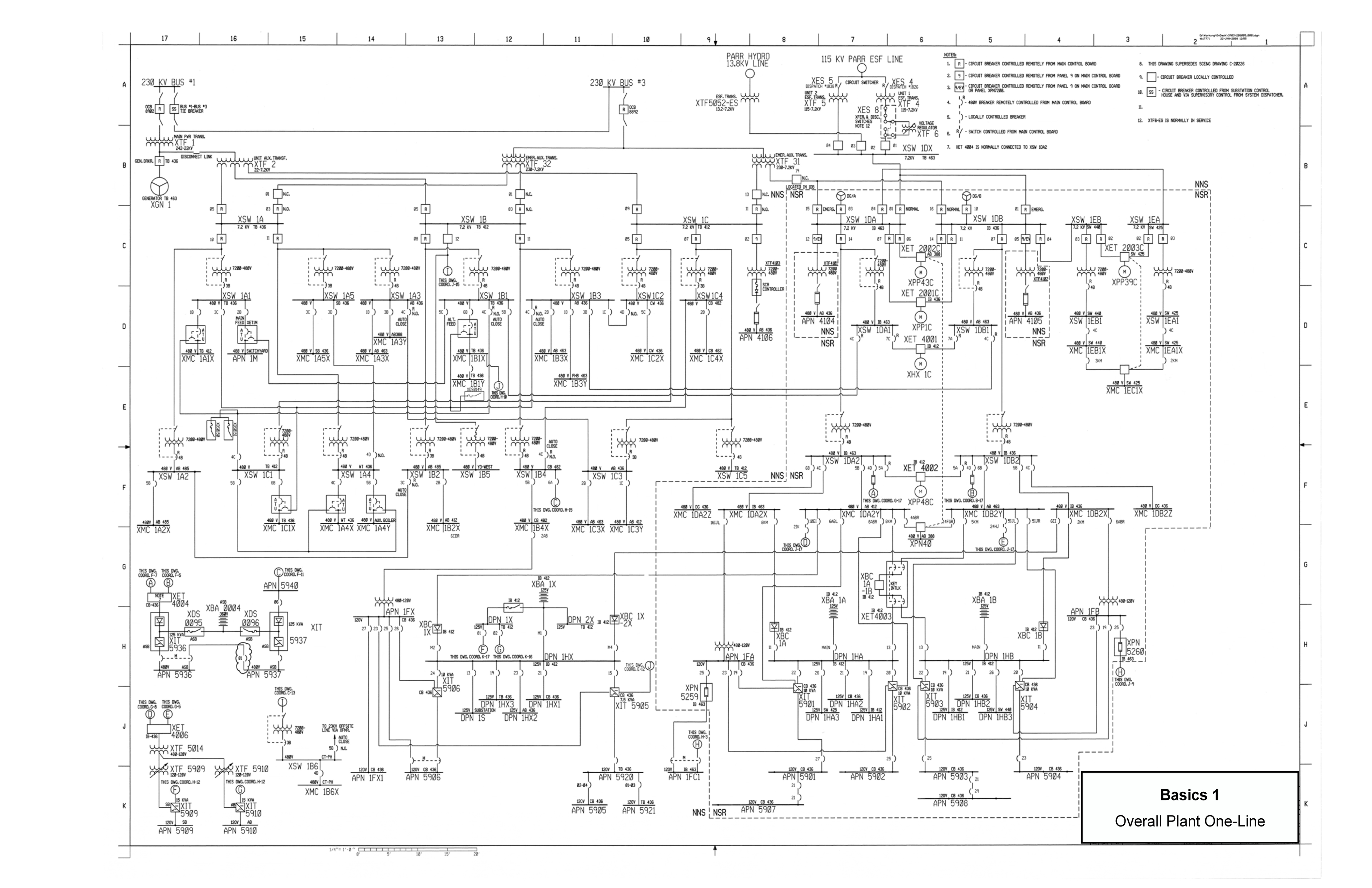
Electrical Single Line Diagram
What is OCR?
Optical Character Recognition (OCR) is a technology that converts images of text into machine-encoded text. In the modern world, OCR allows us to do wonderful things, such as real-time menu translation!
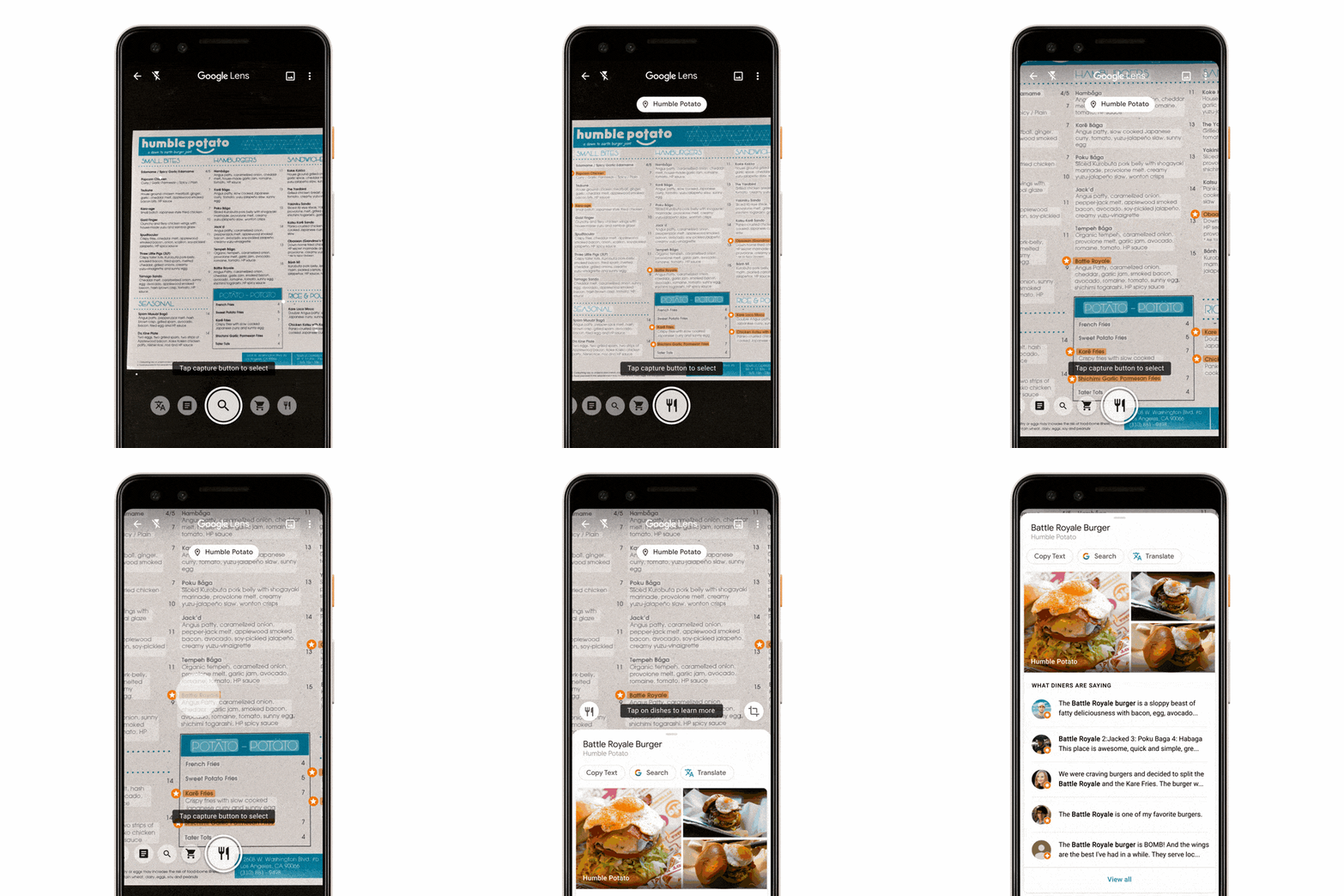
But when it comes to extracting important data from technical drawings, OCR such as Tesseract, Azure AI Vision OCR and Amazon Textract start to fall short.
Why Does OCR Fail on P&ID Data Extraction?
1. Text is rotated
Most OCR engines are optimized for documents where:
- Text runs left to right
- Lines of text are parallel
- Orientation is consistent
Engineering drawings have rotated text at 45° or 90°
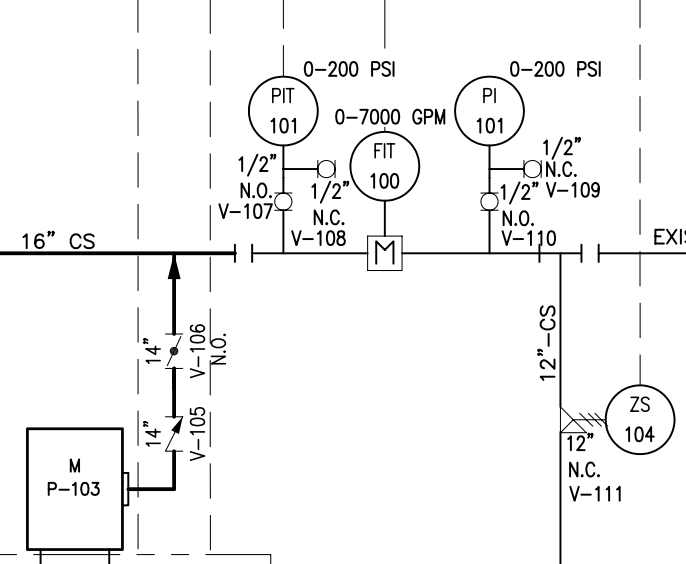
2. Drawings are spatially complex
P&ID drawings are spatially complex, with multiple tags often appearing on a single line that OCR cannot distinguish as separate entities.
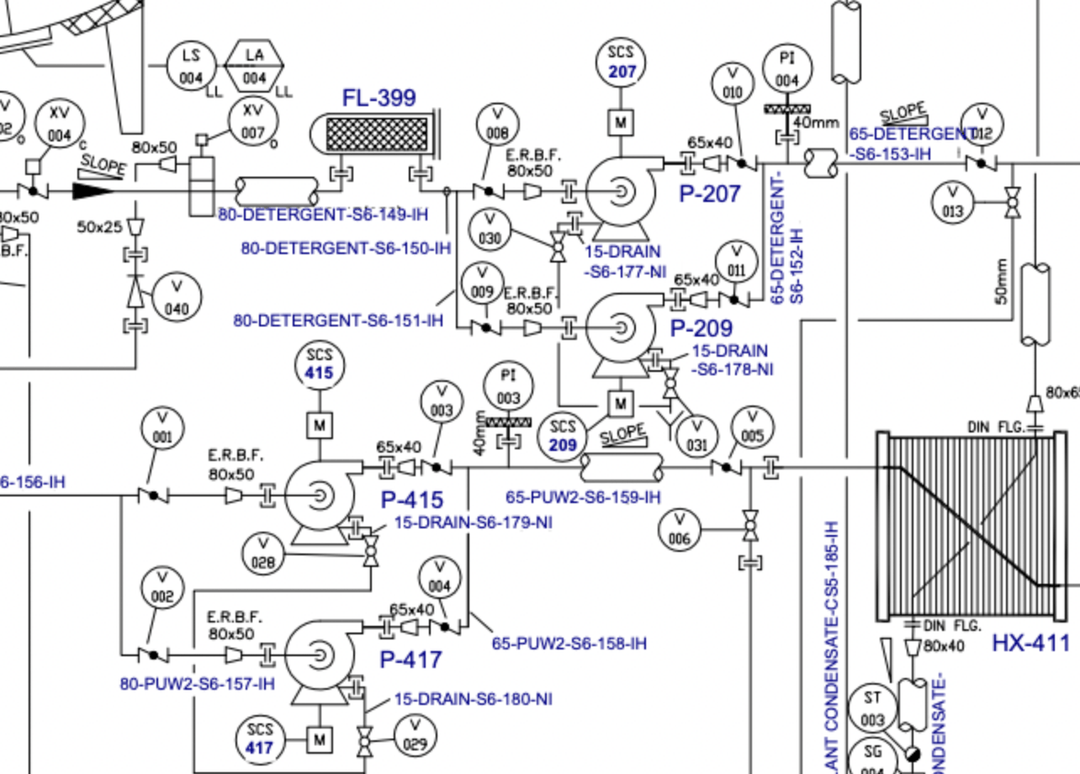
3. Lines overlap
P&ID drawings contain:
- Dense piping networks
- Crossing and branching lines
- Arrow heads, tee joints, control loop bubbles
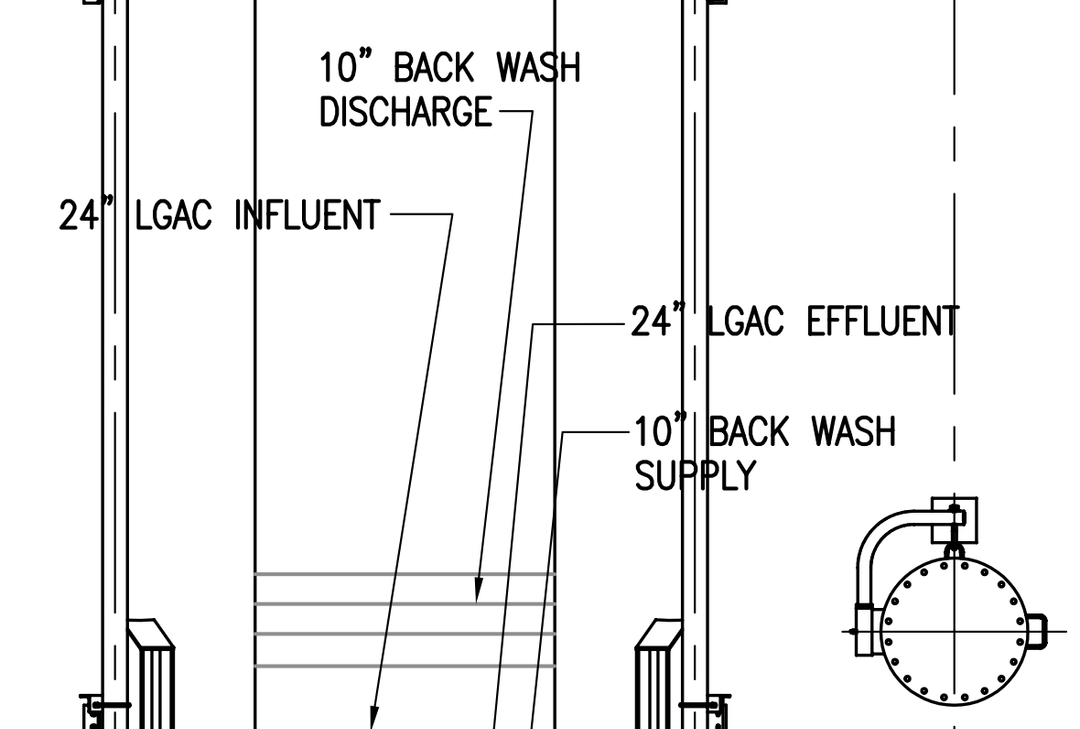
4. Tags come in mixed formats and varying fonts
Engineering tags are structured codes, and OCR often breaks structure strings into:
- P-101A → "P-101,A"
- XV-2001 → "XV200I"
- 8" CS150-P → "8 CS ISO-P"
- 2" LG-1001-SS → "2" LG-1001-5S"
So What Would Actually Work?
The answer isn't abandoning OCR entirely. It is understanding that P&ID extraction needs a multi-layered approach. A robust solution will need to start with pre-processing to handle image resolution, object detection to recognise and locate symbols and asset tags.
OCR still plays a role where, but now it is focused on what it does best, which is to extract clear text labels and tags.
Finally in the AI era, Vision Language Models (VLMs) tie it all together, understanding the spatial relationships and context that make a P&ID meaningful. Each technology handles what it's good at, and together they solve what any single approach cannot.
We've spent the last 1-year building exactly this, and we're calling it RosaryVision.
Early results speak for themselves: we're seeing 95% accuracy in tags extraction. What used to take engineers hours of manual verification now happens in under 5 minutes.
Ready to see RosaryVision in action on your P&IDs? Let's talk.
Experience RosaryVision Today
See how RosaryVision can transform your P&ID data extraction workflow
Ask us about RosaryVision